Use any device
Open the app on a computer, tablet, or phone. The phone experience is designed for easy trackside use.

For existing CHV customers
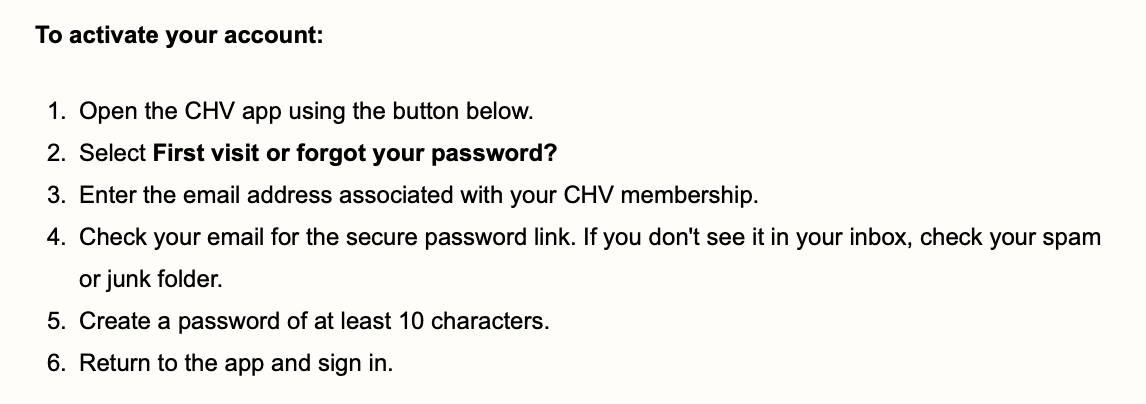
Your membership is ready. Follow the steps below to activate your app access and bring Charting Horse Value wherever you handicap.
Existing customers do not need to purchase another subscription. Activate your account using the email address connected to your CHV membership.
Everything in one place
The app is now your home for Charting Horse Value. It includes the mobile race view along with the downloadable files you already use.
Open the app on a computer, tablet, or phone. The phone experience is designed for easy trackside use.
CHVMODEL.xlsx and the HCP.pdf handicap reports are available from the app’s Reports page.
Model and handicap reports are updated four times daily for scratches and other changes.
First-time setup
Use the exact steps in this guide. Be sure to enter the same email address associated with your existing CHV membership.